Rain and storms can be great for your lawn, but they’re not always great for your pool. Heavy rain, wind, runoff, and debris can throw your water chemistry out of balance, lower your sanitizer level, and introduce organic contaminants that algae love. And when the sun comes back out after the storm? That warm, dirty, under-sanitized water can quickly turn into the perfect algae breeding ground.
The good news is that a little post-storm pool care can go a long way. By cleaning up debris, testing and balancing your water, removing phosphates, shocking the pool, and running your filtration system, you can help stop algae before it starts.
Why Does Algae Grow After a Storm?
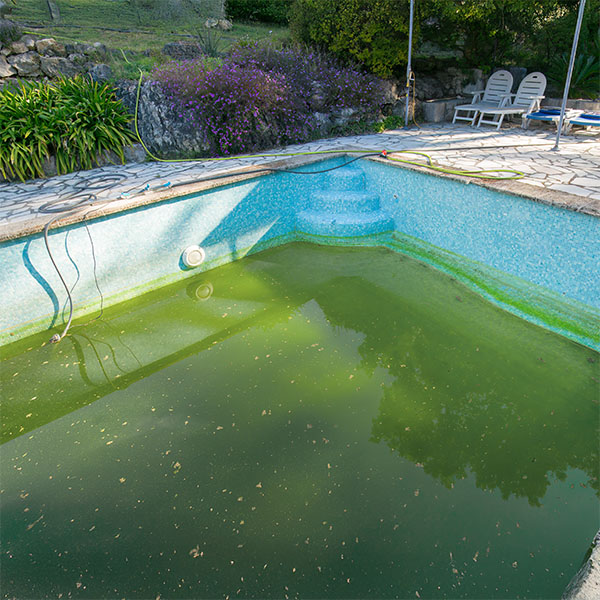
Algae needs three things to grow: water, sunlight, and nutrients. After a storm, your pool may suddenly have plenty of all three.
Storms can increase algae risk by:
- Diluting chlorine and other sanitizer levels
- Changing pH, Total Alkalinity, and water balance
- Washing dirt, leaves, pollen, grass clippings, and organic debris into the pool
- Increasing phosphate levels, which can feed algae
- Reducing circulation if debris clogs skimmer baskets, pump baskets, or filters
- Creating cloudy water that makes it harder for chlorine to work efficiently
Even if your pool looks mostly fine after a storm, the water chemistry may tell a different story. That’s why testing and treating the water quickly is one of the best ways to prevent algae from taking hold.
Storm Severity Matters
Not every storm creates the same level of algae risk. A quick rain shower may only require light cleanup and a water test, while a major storm can leave your pool vulnerable to algae, cloudy water, stains, scale, and equipment strain.

Light Rain
A short, light rain may slightly dilute your sanitizer or shift pH. If there isn’t much debris in the water, your main focus should be testing the water and adjusting your chemistry as needed.
Heavy Rain
Heavy rain can add a large amount of untreated water to your pool, lowering chlorine levels and disrupting water balance. It can also wash debris and contaminants into the water. After heavy rain, it’s important to skim, brush, test, balance, shock, and run the filter.
Windy Storms
Windy storms often bring leaves, branches, dirt, pollen, and other organic debris into the pool. This debris can use up chlorine quickly and add nutrients that help algae grow. The faster you remove it, the easier it is to keep algae away.

Severe Storms or Flooding
Severe storms and flooding create the highest algae risk. Floodwater can bring mud, fertilizers, lawn chemicals, bacteria, metals, and other contaminants into the pool. If your pool has flooded, equipment has been submerged, or you suspect unsafe contamination, take extra caution and contact a pool professional before turning equipment back on.
What You’ll Need After a Storm
Before storm season hits, it’s smart to keep a few cleanup and algae prevention essentials on hand:
- Water test
- Skimmer net or leaf rake
- Pool brush
- Vacuum or automatic cleaner
- Shock
- Water balancers
- Phosphate remover
- Algaecide
- Clarifier
How to Prevent Algae After a Storm
Once the storm passes, follow these steps to clean up your pool and help prevent algae growth.
1. Remove Debris Right Away
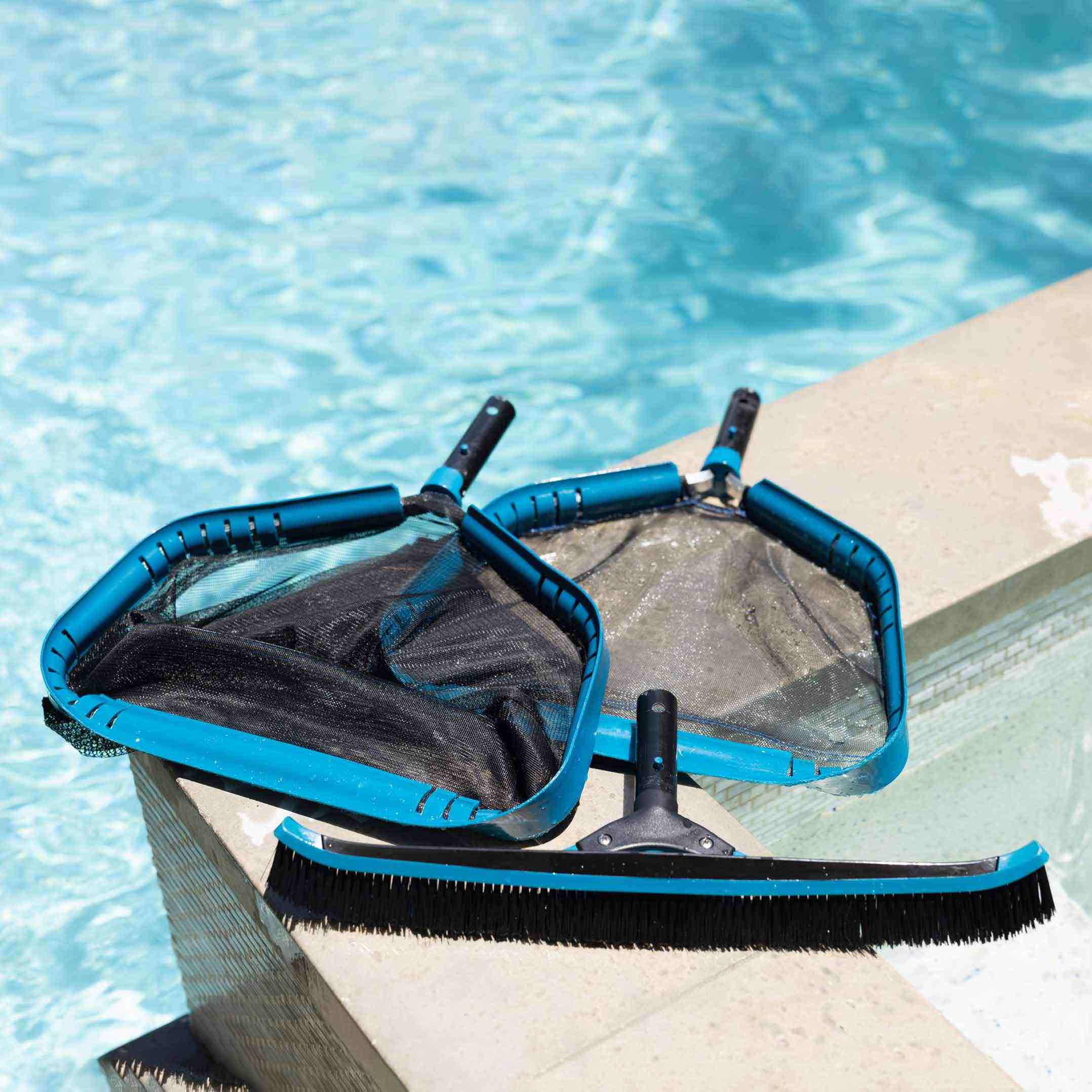
Start by skimming leaves, branches, bugs, and other debris from the surface of the pool. Then empty the skimmer basket and pump basket so water can flow freely through the system.
This step matters because organic debris can quickly use up chlorine. The longer leaves, dirt, and plant material sit in the water, the more they can contribute to cloudy water, poor circulation, and algae growth.
If there’s dirt or sediment on the pool floor, vacuum it manually or use an automatic pool cleaner. For heavy debris, you may need to vacuum to waste if your system allows it.
2. Brush the Pool Walls, Steps, and Floor
Brushing is one of the most important steps for preventing algae after a storm. Algae spores can cling to pool walls, steps, ladders, corners, and other low-circulation areas. Brushing loosens dirt and contaminants so your filter and sanitizer can do their jobs.
Pay extra attention to:
- Corners
- Steps and benches
- Behind ladders
- Shaded areas
- Around returns and skimmers
- Any spots with visible dirt or slimy buildup
Even if you don’t see algae yet, brushing helps prevent it from getting comfortable.
3. Check the Water Level
Heavy rain can raise your pool water level above the ideal range. If the water is too high, your skimmer may not work properly, which can reduce circulation and make it harder to remove surface debris.
If needed, lower the water level so it sits around the middle of the skimmer opening. Depending on your setup, you may be able to drain excess water using a submersible pump or the waste setting on a sand or D.E. filter.
4. Test and Balance the Water
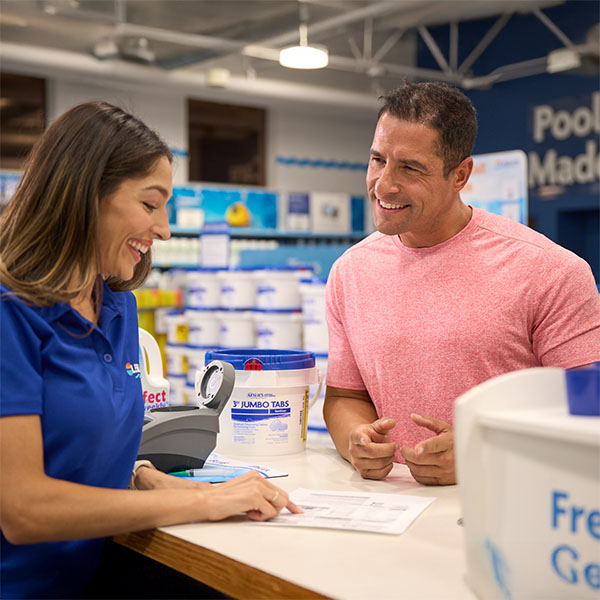
After a storm, always test your water before adding chemicals. Rainwater, debris, and runoff can affect several key levels, including chlorine, pH, Total Alkalinity, Calcium Hardness, metals, and phosphates.
For the most complete picture, bring a water sample to your local Leslie’s for a free water test and customized treatment plan. A full water test can help you understand what changed during the storm and what your pool needs next.
Focus on correcting:
- Free Available Chlorine
- pH
- Total Alkalinity
- Calcium Hardness
- Cyanuric Acid
- Phosphates
- Metals, if stormwater or runoff entered the pool
Balanced water helps chlorine work more effectively. If your pH is too high or too low, your sanitizer may struggle to fight algae and bacteria.
5. Remove Phosphates
Phosphates are a food source for algae, and they often increase after storms. Leaves, dirt, fertilizers, pollen, grass clippings, and runoff can all contribute to phosphate buildup.
Using a phosphate remover or weekly maintenance product can help reduce the nutrients algae need to grow. This is especially important after heavy rain, windy storms, or any storm that washed a lot of organic debris into the pool.
A product like Leslie’s Perfect Weekly can help remove phosphates while enzymes break down organic contaminants, helping your sanitizer work more efficiently. Just remember to add enzyme products after shocking, once chlorine levels have returned to normal. High chlorine levels can reduce enzyme effectiveness.
6. Shock the Pool
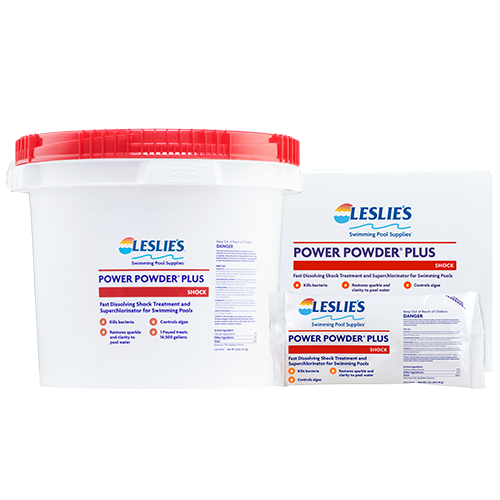
After a hard rain or storm, shocking your pool helps oxidize organic contaminants and restore sanitizer strength. This is one of the most important steps for preventing algae after a storm, especially if your chlorine level dropped, the water looks cloudy, or there was a lot of debris in the pool.
For best results, use a chlorine shock like Leslie’s Power Powder Plus, and shock in the evening so the sun doesn’t burn off chlorine as quickly. Make sure your pH is properly balanced before shocking, since chlorine works best when the water is in range.
After shocking, wait until chlorine levels return to the proper range before swimming. Always follow the product label directions.
7. Run the Pump and Filter
After cleaning, balancing, and shocking, run your pool pump and filtration system for at least 12–24 hours. This helps circulate chemicals, filter out fine debris, and keep water moving.
Good circulation is key to algae prevention. Algae loves stagnant areas, so keeping water flowing helps prevent dead spots where algae can begin to grow.
After the system has been running, check your filter pressure. If the pressure is 8–10 PSI higher than the clean starting pressure, it’s time to clean or backwash the filter.
8. Use Algaecide for Extra Prevention
If your pool is prone to algae, or if the storm was especially heavy, consider adding a preventative algaecide after the water is balanced and chlorine levels are back in range.
Algaecide, like Leslie’s Algae Control, can add an extra layer of protection, especially during warm weather, after major storms, or when your pool has taken on a lot of debris. It should be used as part of a prevention routine, not as a replacement for proper chlorine, brushing, filtration, and water balance.
9. Clear Cloudy Water
Cloudy water after a storm is common. It can happen when fine particles, organic debris, and unbalanced chemistry overwhelm the water.
If the pool is still cloudy after you’ve removed debris, balanced the water, shocked, and run the filter, a clarifier, like Leslie’s Clear Aid can help. Clarifiers group tiny particles together so your filter can capture them more easily.
Cloudy water can make algae prevention harder because it reduces visibility and may indicate that contaminants are still in the pool. Clear water is easier to maintain, easier to test, and easier to keep algae-free.
When to Get Help
If your pool is green, extremely cloudy, full of mud, or affected by floodwater, don’t guess your way through treatment. Bring a water sample to your local Leslie’s for a free AccuBlue water test and customized treatment plan.
You should also contact a pool professional if your equipment was damaged, submerged, or isn’t running properly after the storm. Running damaged equipment can create more problems and may not provide the circulation your pool needs to recover.
The Bottom Line
Storms can create the perfect conditions for algae, but fast action can help stop it before it starts. The key is to remove debris, brush thoroughly, test and balance the water, remove phosphates, shock the pool, and keep your filtration system running.
The stronger the storm, the higher the algae risk. A light rain may only need a quick test and adjustment, while heavy rain, wind, or flooding calls for a more complete cleanup and prevention plan. After the storm, come into your local Leslie’s for a free water test and we’ll help your pool get back on track.


